How Reading Room Owners Can Manage Seats, Fees, Attendance, and Renewals Digitally
Learn how Reading Room Management Software helps owners manage seats, fees, attendance, renewals, students, and reports digitally.
Introduction
Running a reading room looks simple from the outside. Students come, sit, study, and pay monthly fees. But owners know the daily reality is more complicated.
Seats need to be allocated fairly. Fees must be collected on time. Attendance has to be monitored. Renewals should not be missed. Staff must answer student questions quickly. If there are multiple shifts or branches, the work becomes even more difficult.
Reading Room Management Software helps owners replace manual registers and scattered spreadsheets with a digital system built for daily operations.
Main Section 1: The Common Problems Reading Room Owners Face
Most reading rooms start with a notebook or spreadsheet. That may work for the first few students, but problems appear as the business grows.
Common issues include:
- Students sitting on the wrong seat
- No clear view of vacant seats
- Missed fee renewal dates
- Confusion over monthly and shift-based plans
- Manual attendance errors
- Difficulty tracking pending payments
- Staff dependency
- No branch-wise reports
- Time wasted searching old records
These problems affect both revenue and student experience.
Why Manual Tracking Fails Over Time
Manual tracking depends on memory and discipline. If one staff member forgets an entry, the owner may not notice immediately. If a student renews late or changes seat, records can become confusing.
Digital systems create a standard process.
Main Section 2: Why Digital Management Matters for Reading Rooms
Students choose a reading room for focus, discipline, and convenience. But they also notice how professionally the business is managed.
A well-managed reading room can offer:
- Clear seat allocation
- Smooth fee collection
- Quick renewal confirmation
- Proper attendance history
- Better staff response
- Transparent membership plans
- Faster issue resolution
For owners, digital management improves cash flow and reduces daily stress.
If you run a competitive exam library, NEET/JEE study room, UPSC reading room, or multi-shift study center, digital operations can become a major advantage.
Main Section 3: Practical Digital Workflows for Reading Room Owners
1. Manage Seats with a Digital Seat View
Seat management software helps owners see which seats are occupied, vacant, expiring soon, or assigned to a particular shift.
This reduces disputes and helps convert new enquiries faster.
2. Track Fees and Payments
Fee management software helps record payments, pending amounts, plan type, and renewal date. Owners can avoid checking multiple registers during busy hours.
Useful records include:
- Amount paid
- Payment date
- Plan duration
- Due date
- Pending balance
- Payment mode
3. Record Attendance Daily
Reading room attendance software helps identify active and inactive students. Attendance data is useful for:
- Parent communication
- Student discipline
- Capacity planning
- Security
- Repeat student follow-up
4. Automate Renewals
Renewal tracking is one of the biggest benefits of digitization. Owners can see which memberships are expiring and follow up before the seat becomes uncertain.
5. Use Reports for Better Decisions
Reports help owners understand:
- Monthly revenue
- Seat occupancy
- Active members
- Pending payments
- Plan popularity
- Branch performance
Without reports, owners often make decisions based on guesswork.
Main Section 4: How Digital Systems Can Help
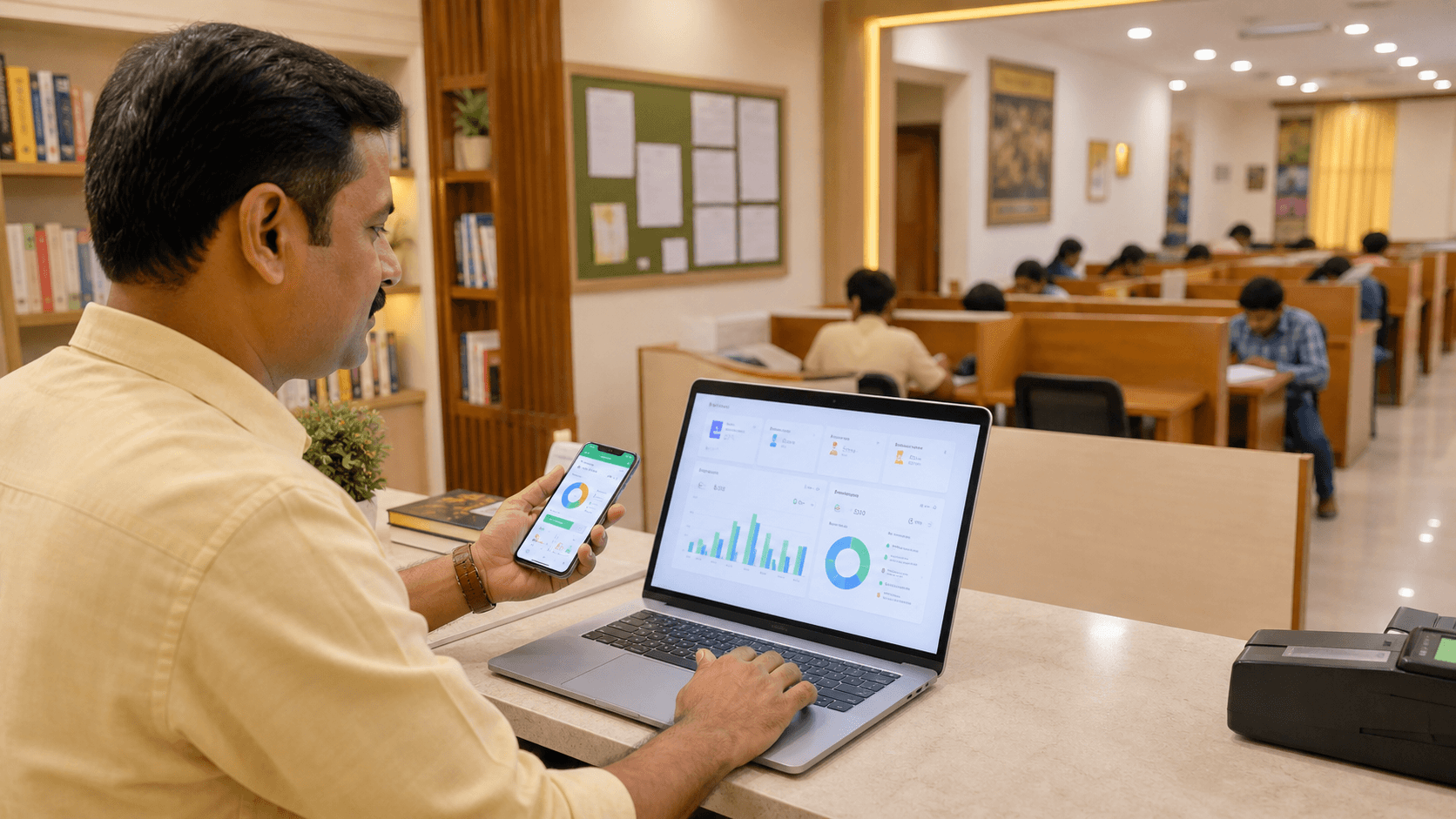
Reading Room Management Software brings seats, fees, attendance, memberships, renewals, and reports into one dashboard.
For a single reading room, it reduces manual work. For a multi-branch reading room business, it creates central control.
ShelfSpace supports:
- Student and member records
- Seat allocation
- Shift-based access
- Attendance tracking
- Fee and renewal records
- Staff roles
- Reports
- Multi-branch management
Useful internal links:
- Explore the reading room management solution
- View seat and attendance features
- See multi-branch reading room software
- Check pricing
- Book a free demo
ShelfSpace CTA
Want to digitize your library or reading room operations? ShelfSpace helps you manage students, staff, seats, memberships, attendance, payments, and reports from one dashboard. Book a free demo today.
FAQ
What is Reading Room Management Software?
Reading Room Management Software helps owners manage seats, students, attendance, fees, renewals, staff, and reports digitally.
Can software manage fixed seats and shift-based seats?
Yes. A good reading room system can help manage fixed seats, vacant seats, plan duration, and shift-based memberships.
How does attendance tracking help reading room owners?
Attendance tracking helps owners monitor usage, identify inactive students, improve security, and support disciplined study habits.
Why is fee tracking important for reading rooms?
Fee tracking prevents missed renewals, unclear payment records, and revenue leakage. It also makes staff communication more professional.
Is ShelfSpace suitable for multi-branch reading rooms?
Yes. ShelfSpace supports multi-branch operations so owners can monitor students, seats, payments, staff, and reports across locations.
Digitize your library operations with ShelfSpace
Manage students, staff, seats, fees, attendance, and reports from one dashboard.
Book a Free Demo